
Meeting and Study Rooms
Meeting Rooms
The Library offers two meeting rooms for community use: a larger space on the first floor (up to 60 people) and a smaller classroom on the second floor (up to 18 people). Both are ADA accessible and available for educational, civic, or charitable events. Reservations can be made up to 60 days in advance.
The following fee structure applies to groups or individuals other than verified nonprofits and government agencies. Payment by check or cash is due prior to use:
• $100.00 per 4 hours or less
• $200.00 for more than 4 hours in a single day
Non-profit organizations are eligible for a fee-waiver with proof of nonprofit status (current valid IRS tax exemption certificate; a non-profit status statement from a State taxing body; or, a certified copy of the organization’s certificate of incorporation or similar document that clearly establishes nonprofit status).
Please first review the meeting room policy here and then visit or contact the Library for availability, policies, and to submit a reservation application.
First Floor Meeting Room
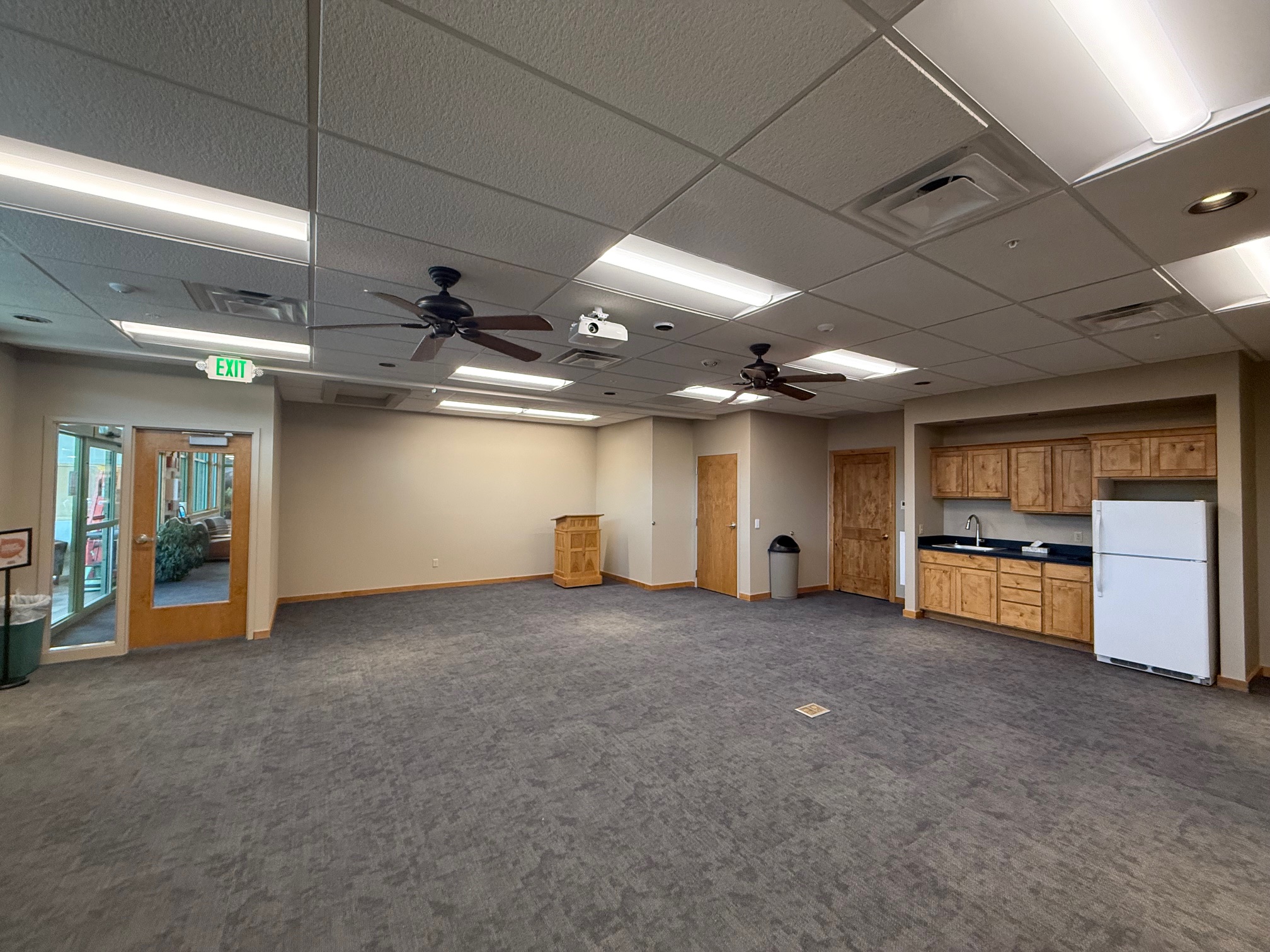
The first floor meeting room may host up to 60 people or 40 people with seating and tables. The room features a sink, counter, refrigerator, folding tables, chairs, and audiovisual equipment including a Bluetooth projector and speakers. reservation.
Review the meeting room policy here.
Second Floor Classroom
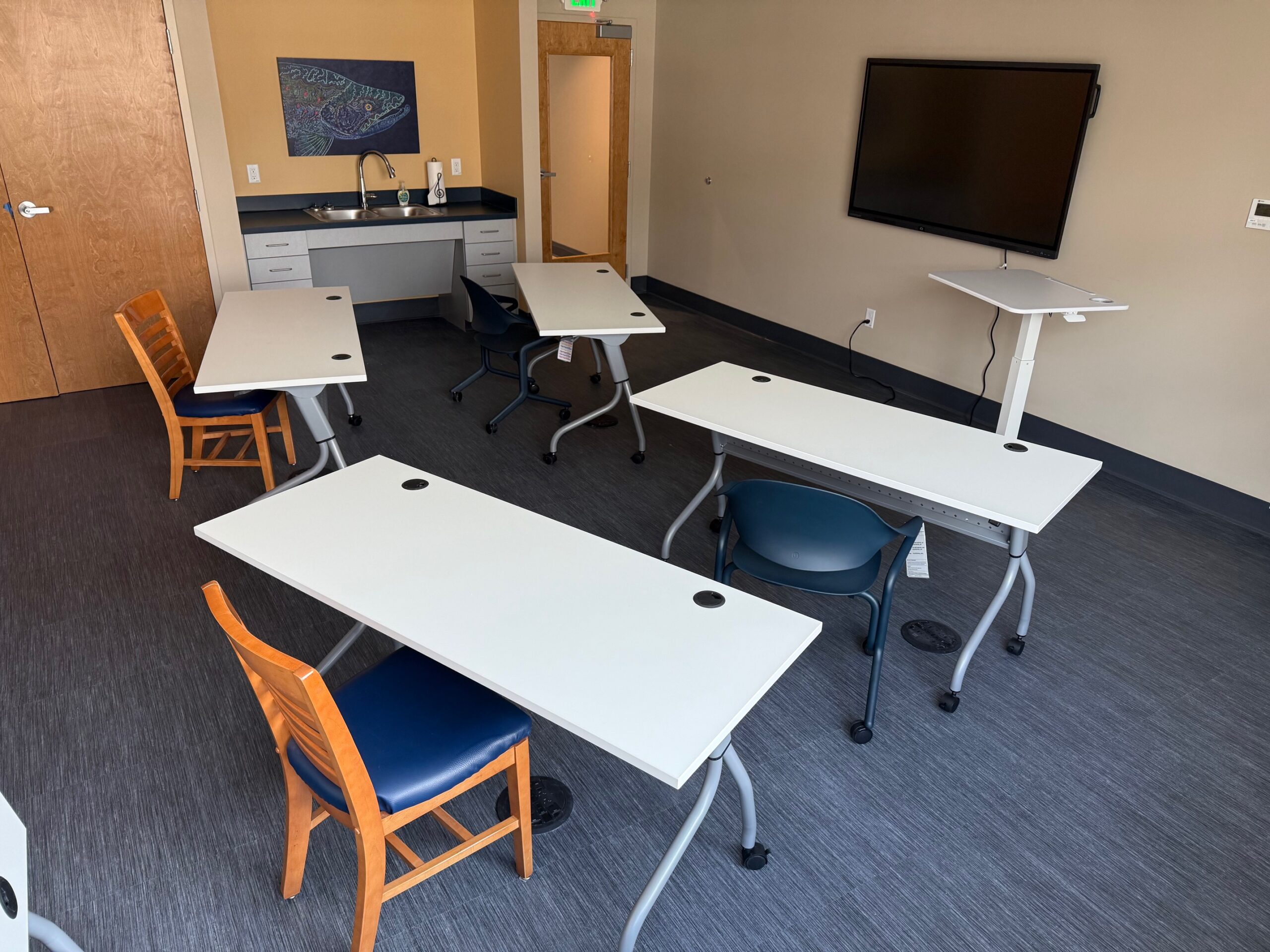
The classroom on the second floor may accommodate up to 18 people and includes a sink, counter, tables, chairs, and audiovisual equipment.
Request to Reserve Meeting Room
First review the Meeting Room Policy, fill out our request form and then visit or contact the Library for availability, policies, and to submit a reservation application.
Study Rooms
The Library offers study rooms for individuals and small groups seeking a quiet space to work, read, or meet. Study room reservations are limited to one study room for two hours per person per day. If the room is available for the hour following the existing reservation, an additional hour of reservation may be requested from staff fifteen minutes prior to the end of the reservation.
Policies:
– Checkin prior to reservation with the 2nd floor library staff is required.
– If multiple reservations are made by for an individual on a single day, the staff will cancel additional reservations.
– Reservations are forfeit after 15 minutes if no one has shown up.
– Reservations can be made 31 days in advance.
– Reservations are required for study room use.
Land of Oz Study Room
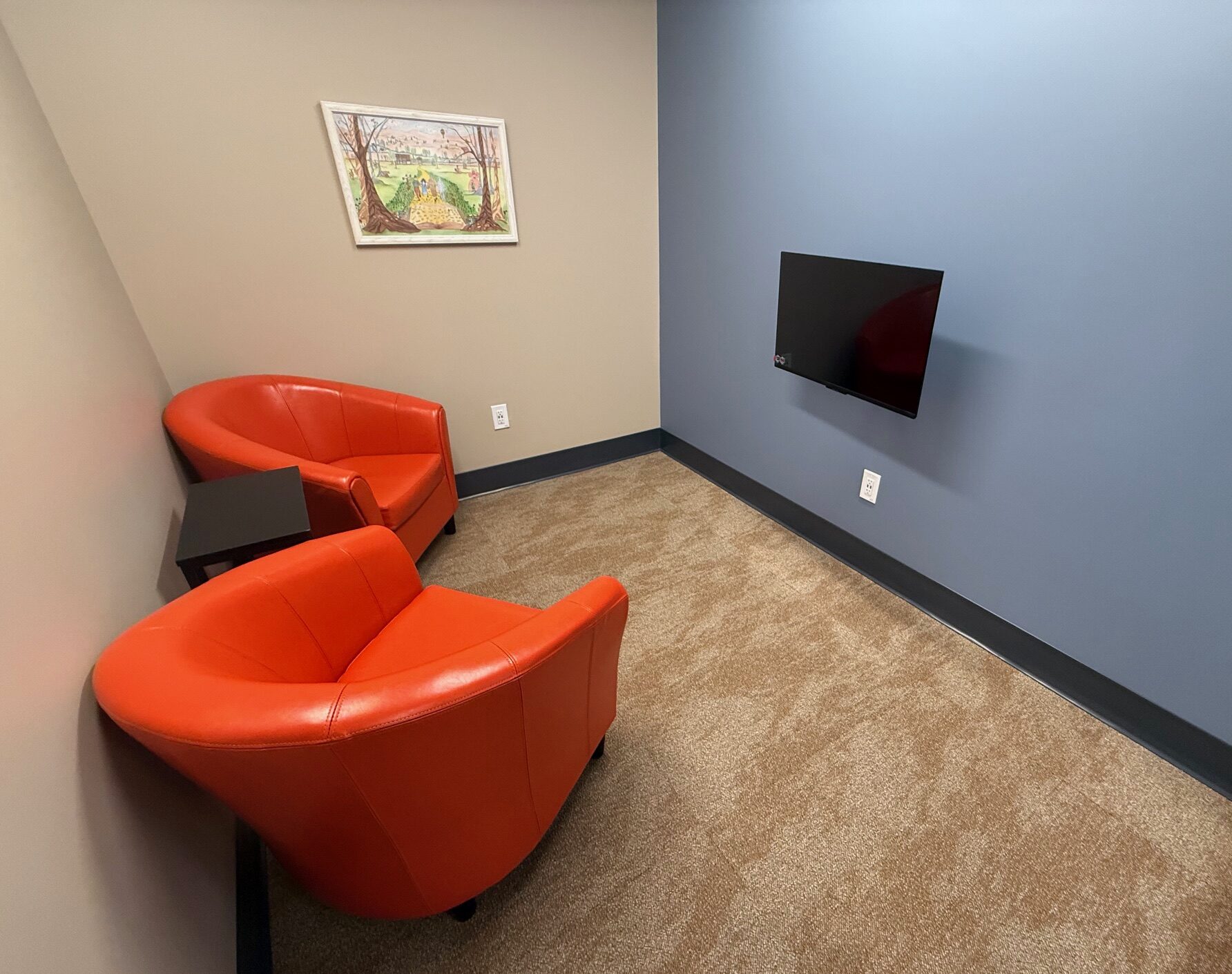
Two casual chairs with wall mounted monitor with Bluetooth casting.
Occupancy: 2
Narnia Study Room
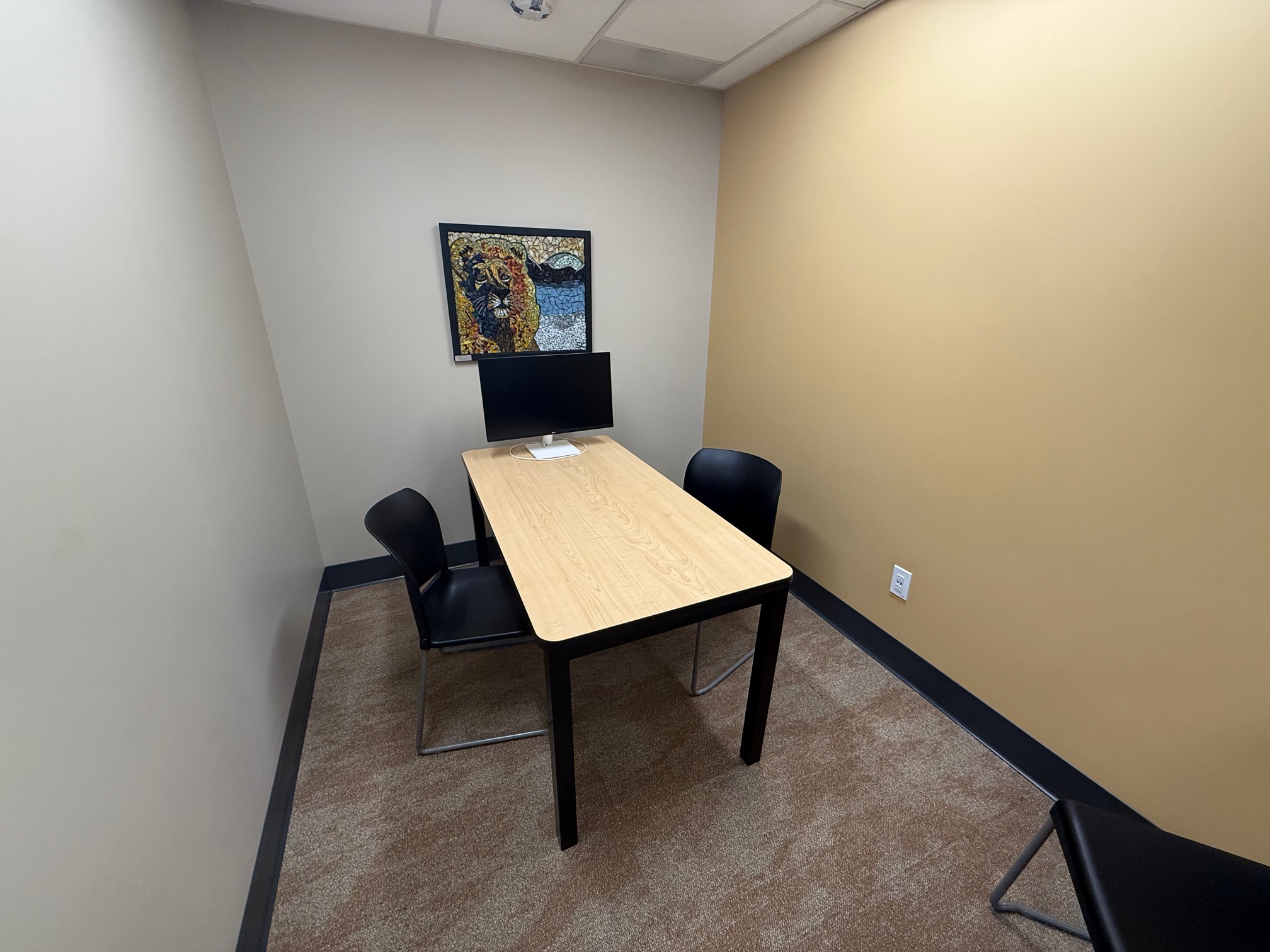
Two chairs and a table with a desk monitor for display use.
Occupancy: 2
Wonderland Study Room
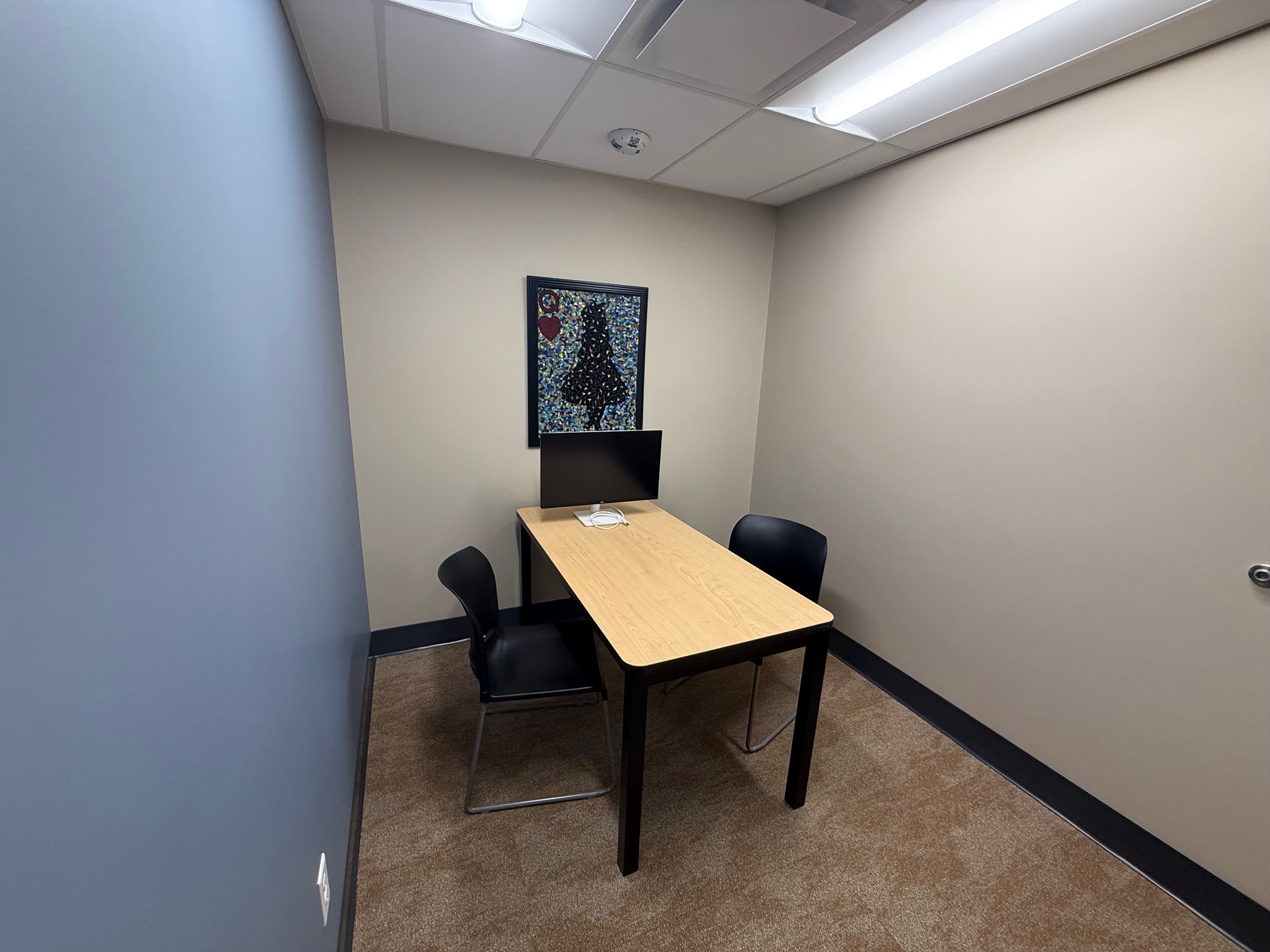
Two chairs and a table with a desk monitor for display use.
Occupancy: 2
Community Services Room
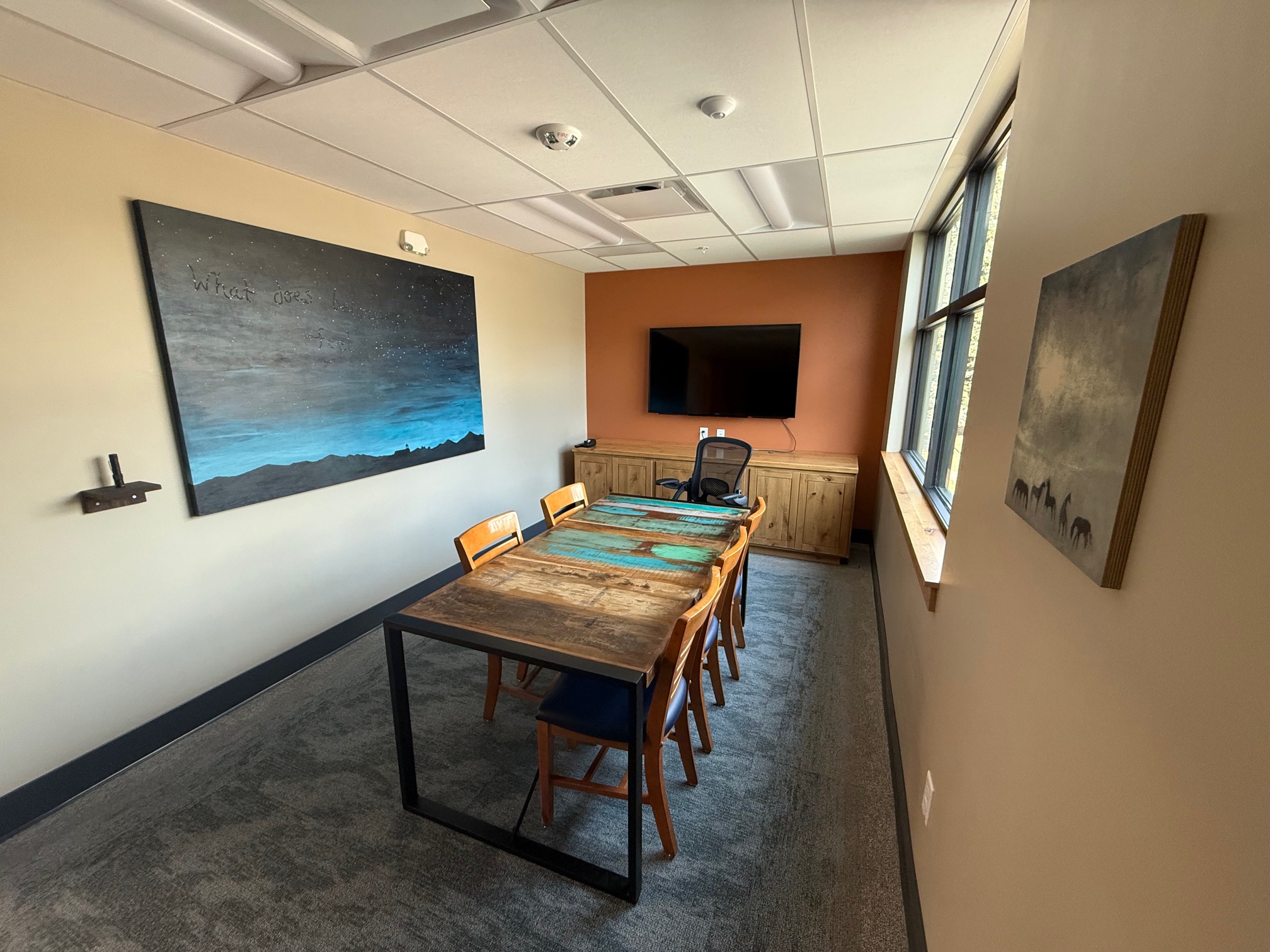
Table with chairs and wall-mounted monitor with HDMI connection for display. This room is intended for meetings with multiple individuals.
Occupancy: 6
Makerspace
Similar to sharing a library of books, the Makerspace allows sharing of maker equipment and software. Try out equipment before committing to your own purchase, or use equipment for personal or professional projects. Complete a user agreement and book the Makerspace for up to three hours per day. See the calendar of events for drop-in hours, demonstrations, or classes.
• Only BVPL Library cardholders may use the equipment.
• Bring your own memory drive for saving work.
• Outside of drop-in hours, all work in the Makerspace is independent. Instructions and online classes are available for learning needs. Staff are not available to assist with work.
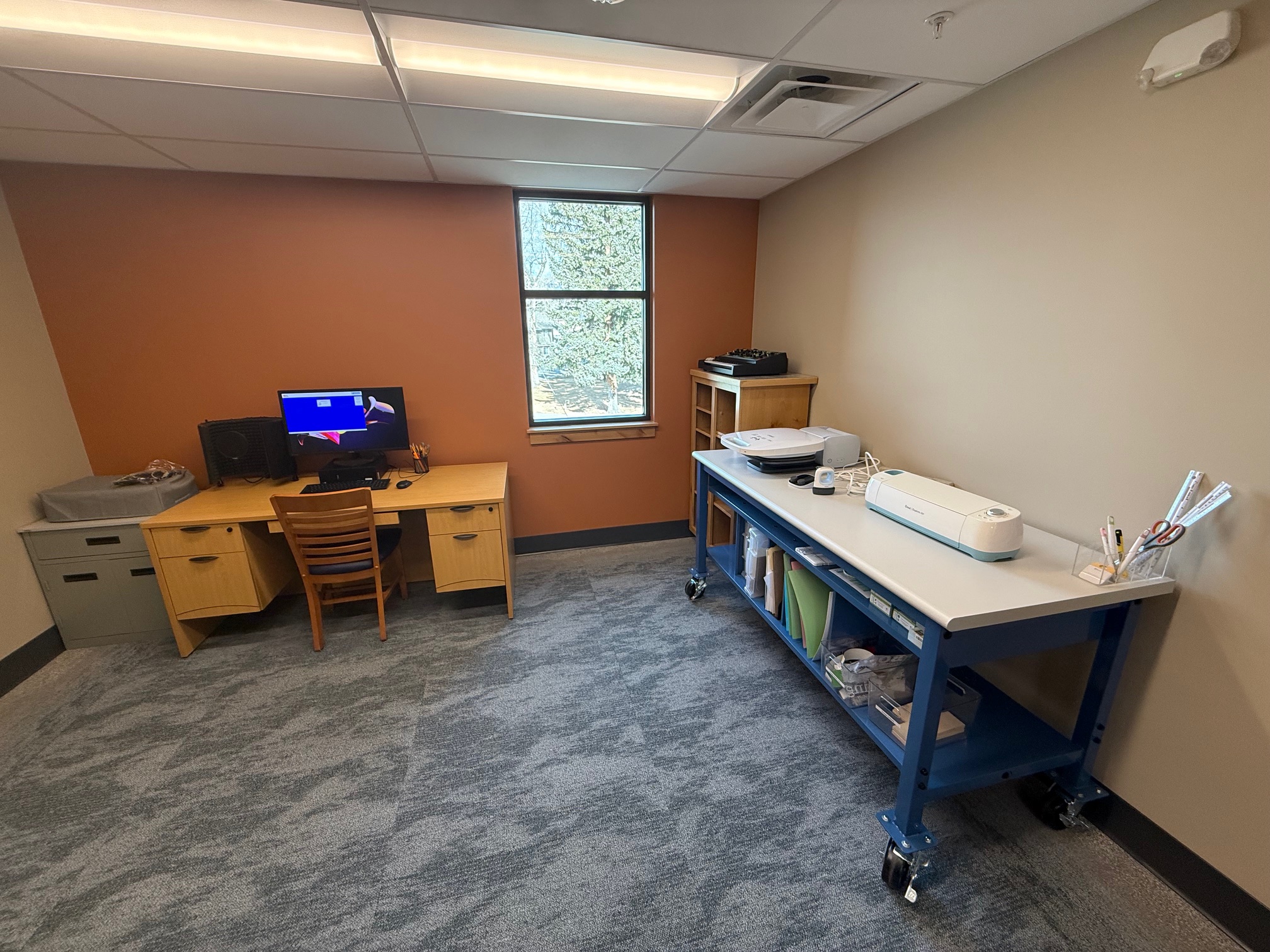
Equipment and Software
• Computer and Monitor
• Epson Professional Scanner V850
• Scan up to 12 slides at a time, 35mm film, art, photos and more
Epson V850 Scan instructions Scanning Slides Epson Manual
Sound Equipment:
• Moog Grandmother Synthesizer
• UA Apollo Twin X Interface
• Sony DJ Headphones
• Blue Yeti Microphone
• Sound Editing Software
Cricut Station:
• Cricut Explore Air 2
• Cricut Autopress (heat press)
• Users are required to bring their own materials
• User may create on the Library’s free account or user their own Cricut account.